


Main contributions
- Created a dynamic flocking system supporting 700+ agents at 60fps with Unity Job system and Burst Compiler
- Developed the enemy AI with behavior trees and Utility AI Theory so our predators react to player actions, patrol areas, chase player, search for them and even show frustration when player hides during a chase
- Created a robust decoupled code architecture for all the systems using observer, singleton and state patterns across the project
- Polished game feel through VFX, lighting, and animation tuning
- Support our audio team by taking the role of audio programmer, dealing with fmod in Unity
- Coordinated and analyzed insights from 20+ player playtests
Game AI engineering and design
Our Predators (enemies) use a system that mixes behavior trees with Utility AI theory alongside complex mechanics and behaviors themselves. Predators can see, hear the player, investigate sounds, search and even do a sonar to find the player across obstacles. Here a list of the most important developments:
1. Eyesight perception
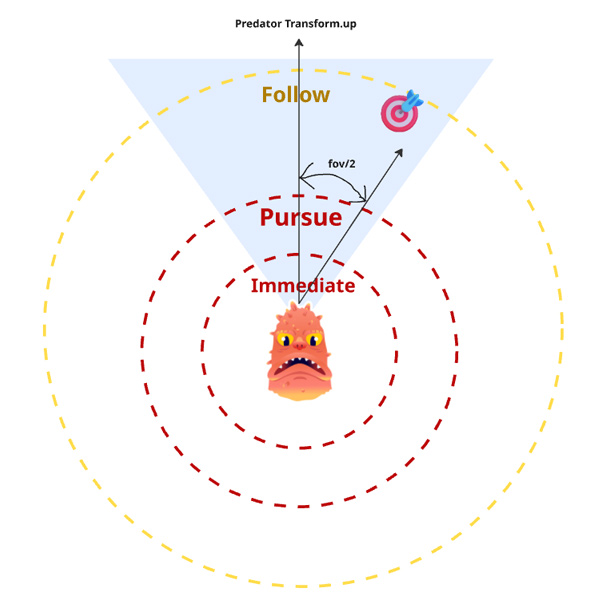
In our Predator code we have an “eyesight check” that runs every couple of frames. In order to be performant, the eyesight check is done in three passes.
#1 Distance check:
Simple vector distance check, if player is too far away, we dont continue.
#2 FOV check
Since we know positions, the predator transform.up and the fov we can use dot product to see if the player is in the predator FOV.
#3 Raycast check
We know is close and on the fov, now we do a raycast to check there are no obstacles in between.
2. Sonar Mechanic using Utility AI
For a specific type of Predator I created a “Predator Utility” that scores how likely it is to use a Sonar: a mechanic that enables the predator to find the player even behind walls.
(LastEncounterTime * Weight1) + (sonarTime * Weight2) + (closeness * Weight3)
- LastEncounterTime = how long hast it pass since the last encounter? A encounter is when a predator starts following or chasing the player.
- SonarTime = How long has passed since the last time a predator did a sonar?
- Closeness = how close is the predator. Based on the predator own sonar radius of effect
- We use custom weights per predator that they must sum 1
All this are normalized values that use AnimationCurves in Unity to like decide how we want them to move. If the utility is bigger than 0.75 (a manual threshold for now) then the predator does the sonar.
3. All in the behavior tree
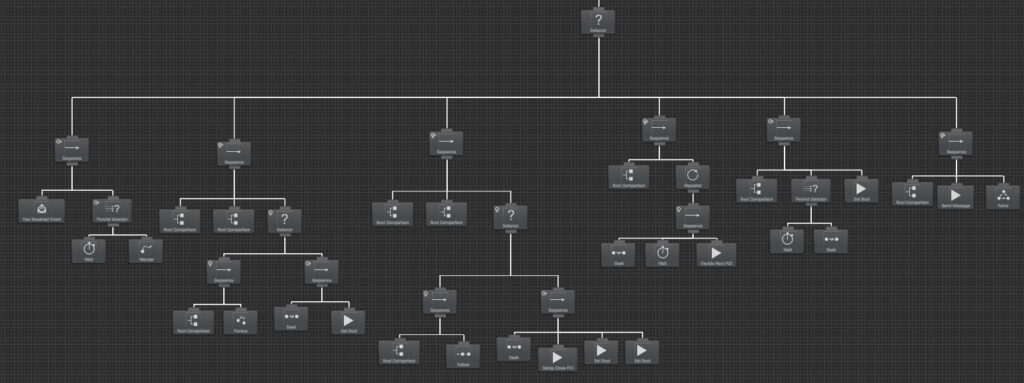
Our behavior tree decides if the predator should Chase, Follow, Investigate, Search or go back to patrol or other default behavior.
Multi-thread Flocking System
I created a multi-thread flocking system to make the underwater world feel alive, with Unity Job System and Burst Compiler. Heavily based on Craig Reynolds original Boids paper, using alignment, cohesion and separation alongside specific behavior like patrolling an area, evading, following a target and even staying inside an specific area.
The FlockManager is responsible for creating and managing the agents, as well as establishing the behaviors that specific flock will have.
- FlockCore behavior that handles the base alignment, cohesion and separation code. Without this theres no flock really
- FlockGoal behavior handles if we want the flock to go somewhere specific like follow the player or patrol a route.
- FlockContainment that handles if we want to contain the flock in a specific area (a collider is used for this)
- FlockAvoid handles if the agents must avoid externals objects. A Hard void is that the agent will act like scary fish, if say the player gets near we make the agent go to the opposite direction with an extra acceleration. A soft avoid is the idea that the agent must “swim around” said object. This is still in progress as it is very costly.
Audio programming and design
I created a robust audio system between fmod and Unity, that really improve the game feel substantially. Some of the features include
- Using audio Buses and VCA to easily control master, music and sfx volume in Unity
- Using a fmod snapshot and the Multiband EQ I created a muffled effect for when the player is hiding
- Using parameters to control event volume for close danger effect (the closer a predator is to the player the more intense a background music becomes)
- Creatively using Pitch Shifter and Reverb effects to create multiple version of the same sound to use on different predators. For example an Old Blind predator uses the same sounds but with a lower pitch making it sound more strong and heavy
The Design Process
Ideation: Visit to CSC
After experimenting with a few mechanic-based prototypes, my teammate and I visited the California Science Center for inspiration. Observing strange sea creatures turned out to be exactly what we needed. I became fascinated by organisms with reactive, tentacle-like filaments—they sparked the idea of capturing a living, surreal underwater ecosystem that is in constant movement by the use of procedural 2D animation.
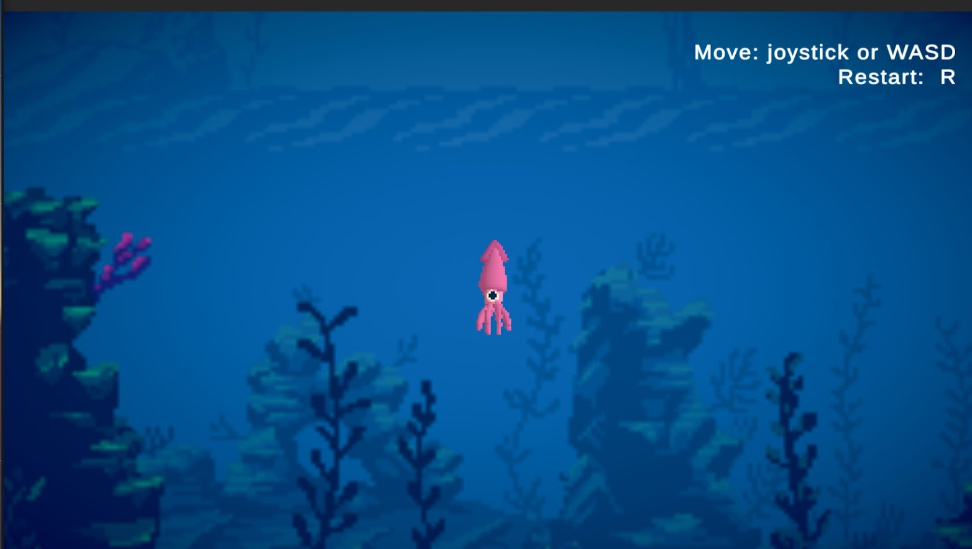
Preproduction: experimenting with goals and constraints
First couple of weeks experimenting. I built movement-focused prototypes and experiments to convey character emotions without dialogue. A trip to the California Science Center and procedural animation prototypes inspired our alien underwater world setting, also leading to our key design constraint: no dialogue, minimal text.
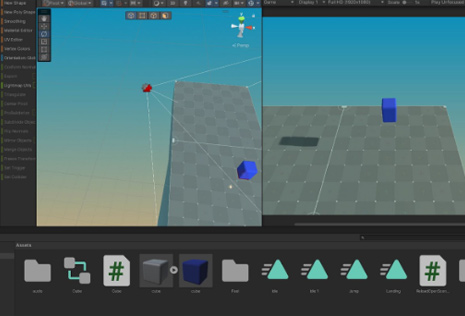
Every single prototype tried to answer a design question:
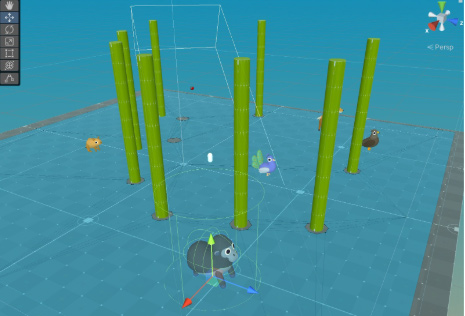
Minimalist stealth gameplay
Aiming for accessibility and simplicity, I focused on movement and a single versatile mechanic, a “call” mechanic. Inspired by games like Super Meat Boy, our character remains unchanged, you get no power ups or anything like that, is the situations that change. Playtesting proved to very extremely important to get the movement just right so that players feel as a fast but fragile underwater creature.
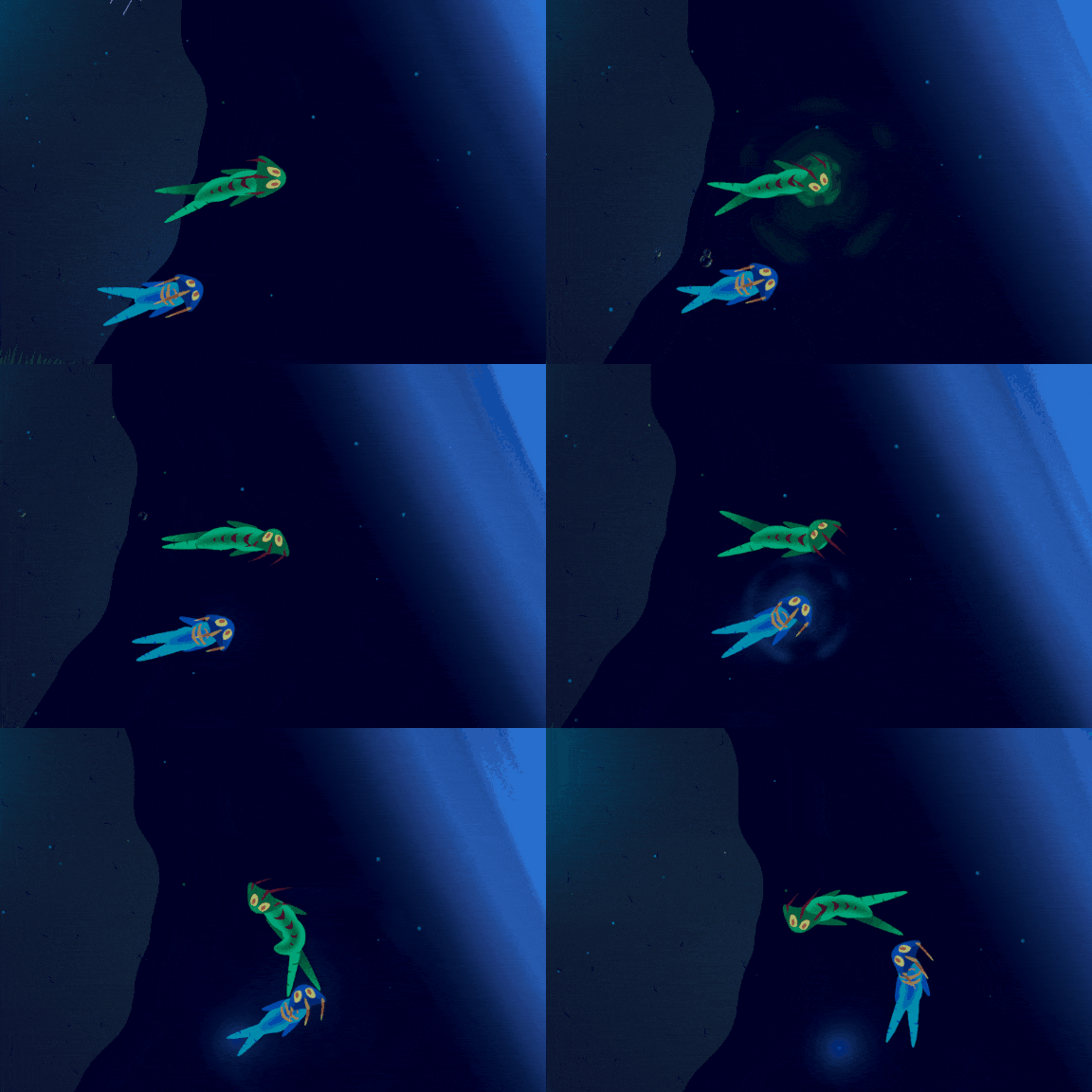
Using the “Call” to communicate with your friend

Using “Call” to get the monster’s attention

Using “Call” to open gates